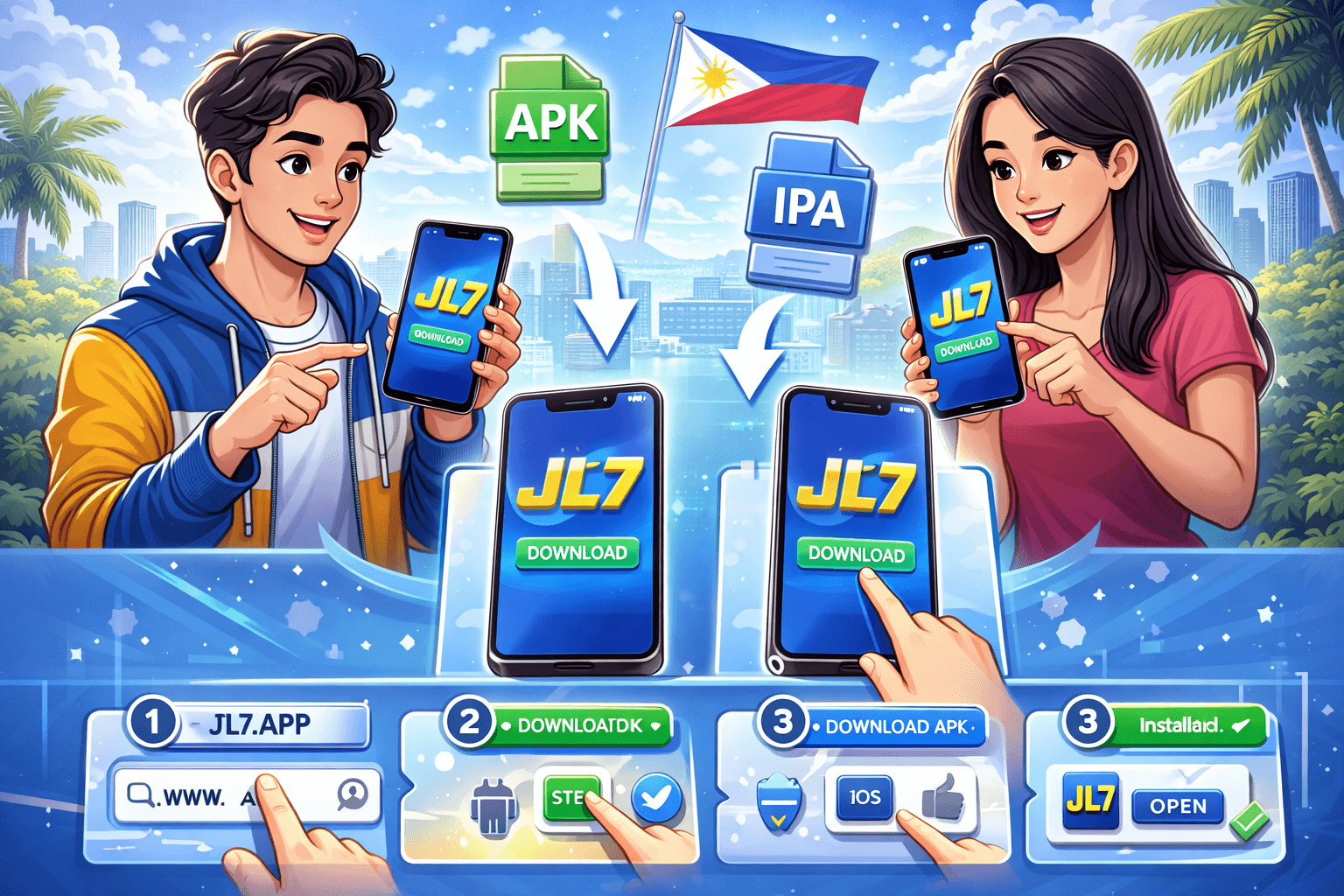
If you use JL7 regularly, installing the app can save time compared to opening the site in a browser every session. The JL7 app is usually faster, easier to navigate on mobile, and more stable for daily access. But many users still run into confusion: which link is safe, why APK installation fails, and why iPhone setup is different from Android.
This guide explains the process in simple steps for both Android and iOS users in the Philippines, including safety checks and common installation fixes.
Why Many Users Prefer the JL7 App
Before installation, it helps to know why the app is worth using:
For frequent players, these advantages improve convenience and reduce repeated login friction.
Important Safety Rule Before You Download
Never install APK files from random social media comments, unofficial mirrors, or unknown download sites. Fake files can steal credentials or inject malware.
Always verify:
If the source feels questionable, do not proceed.
Android Guide: Download and Install JL7 APK
Android users typically install via APK file. Follow these steps in order.
Step 1: Prepare your phone
Step 2: Download from official source
Open the verified JL7 access page and tap the Android APK download button.
Step 3: Enable installation permission
Because APK is outside Play Store, Android may block installation initially.
Go to settings:
Enable only what is needed, then disable later for safety.
Step 4: Install the APK
Open your Downloads folder, tap the JL7 APK, and select Install.
Step 5: Launch and log in
Once installed, open the app, log in with your account, and confirm that the interface matches official JL7 design.
iOS Guide: Install JL7 on iPhone
iOS installation can differ because Apple controls app distribution more strictly. Depending on JL7 deployment method, you may use web app shortcut or official app route.
Option A: Browser-to-home-screen method
This method is common when a direct App Store listing is unavailable.
Option B: Official app route (if available)
Never install iOS profiles from unknown sources unless verified and clearly instructed by official support.
Common APK Installation Errors and Fixes
Error: App not installed
Possible causes:
Fix:
Error: Parsing package failed
Possible causes:
Fix:
Error: Blocked by Play Protect or phone security
Possible causes:
Fix:
Error: App opens then crashes
Possible causes:
Fix:
Account Safety After Installation
Installation is only the first step. Keep your account protected with these habits:
No legitimate support agent should ask for your full password.
Performance Tips for Better App Experience
If your device is older or internet is unstable, these tips help:
Stable app performance starts with basic device maintenance.
How to Update JL7 App Safely
On Android APK route:
On iOS:
Avoid installing every file labeled new version unless it came from trusted channel.
Troubleshooting Login Right After Installation
Sometimes installation succeeds but login fails immediately. Check these in order:
Most first-login issues are account-entry mistakes, not app defects.
Should You Use App or Browser?
Choose based on your routine:
Use app if:
Use browser if:
Both are valid as long as you use verified links and safe login practices.
Final Thoughts
Downloading JL7 on Android and iOS is straightforward when done through official sources. Most problems come from unofficial files, skipped permissions, or outdated device settings. Follow the step-by-step process above, verify every link, and apply basic security habits after installation.
If you are helping friends or family set up JL7, share this guide so they avoid fake downloads and common setup errors. Fast access is good, but safe access is better.
Quick FAQ
It can be safe when downloaded from official JL7 channels. Avoid third-party mirrors.
APK files outside Play Store require temporary permission to install.
No. APK is for Android. iOS uses different distribution methods.
Update app, clear cache, restart device, and reinstall from official source if needed.
Usually no, but clean reinstall may help when persistent errors continue.