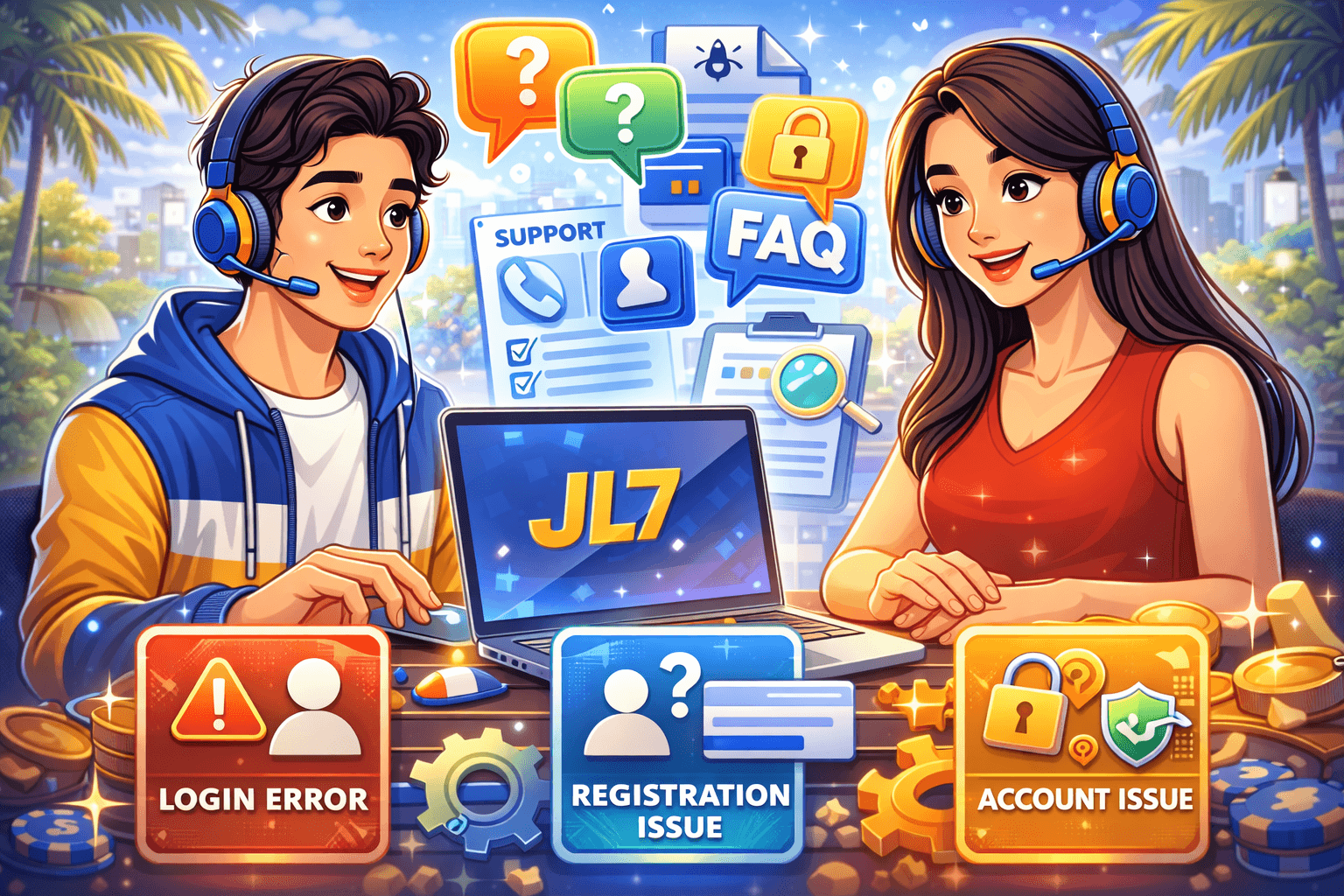
When your account is working, everything feels smooth. But when login fails, registration gets stuck, or verification does not complete, users often do not know where to start—this is where the JL7 FAQ becomes essential. They try random fixes, jump between links, and end up wasting time.
This JL7 FAQ and support guide is built to solve the most common account problems quickly. It covers login trouble, registration errors, account verification, deposit or withdrawal concerns, and the best way to contact support for faster resolution.
Most Common JL7 User Problems in 2026
Across support channels, these issues appear most often:
The good news is that many of these can be fixed in a few steps.
FAQ: Login Problems
Q1: Why does JL7 say invalid username or password?
Possible reasons:
Quick fix:
Q2: I did not receive OTP. What should I do?
Quick fix sequence:
Q3: My account is locked after failed attempts
It means, Security cooldown activated.
Fix:
FAQ: Registration Issues
Q4: Why can I not complete registration?
Common causes:
Fix:
Q5: I got duplicate account warning
This can happen if your number, email, or ID is already linked.
Fix:
FAQ: Account Verification and Security
Q6: Why is my account still unverified?
Verification delay may occur during high-traffic periods or unclear document upload.
Fix:
Q7: What if I changed mobile number?
You may need identity confirmation before updating contact details.
Prepare:
Q8: Is it safe to share OTP with support?
No. Never share OTP or password. Legitimate support should not request your full password.
FAQ: Deposit and Withdrawal Concerns
Q9: Deposit completed but balance not updated
Possible causes:
Fix:
Q10: Why is withdrawal taking longer?
Common reasons:
Fix:
Quick Self-Check Before Contacting Support
Use this checklist first:
Completing this checklist solves many basic problems without waiting for support.
How to Contact JL7 Support the Right Way
Support teams handle many tickets. Your message should be complete and concise.
Use this format:
Do not send sensitive details such as full password or OTP.
Best Time and Method to Reach Support
Response speed can vary by traffic, but these habits usually help:
Multiple duplicate tickets can slow resolution.
Security Warnings Every User Should Remember
Account safety is as important as account access.
If something looks suspicious, pause first and verify source.
Troubleshooting by Device Type
Android users
iOS users
Desktop users
Device-specific troubleshooting speeds up problem resolution.
When to Escalate Your Case
Escalate if:
In escalation, keep communication factual and well documented.
Final Thoughts
JL7 account issues can feel stressful, especially when money or access is involved. But most login, registration, and verification problems become manageable when approached step by step. Start with self-checks, gather complete details, and contact support using a structured message.
The fastest solutions come from clear information, safe practices, and patience during review periods. Keep this FAQ guide as your first reference whenever account issues appear.
Quick FAQ Recap
Check official link, credentials, and connection before deeper troubleshooting.
Duplicate messages can reset queue position and delay responses.
Usually not recommended and may trigger compliance flags.
Reference number, amount, timestamp, and screenshot of payment confirmation.
Use strong passwords, update contact info, and never share OTP or password.